


Add extra revenue from every StayFi listing, automatically.
Free guest stores · Auto-shared with guests · Zero extra work
Create free digital guest stores for every StayFi listing. Stores are generated automatically and ready to share with guests before and during their stay.
Better stays for guests. More value per booking.
Built for Host Tools hosts like you
-

Centralized amenities and add-ons
Offer amenities and upgrades like massage, chef, late check-out, and in-home services.
-

Automatic store creation
Automatically creates a guest store for every listing.
-
Add revenue to your HomePage
Syncs with your HomePage so guests can book add-ons without back-and-forth.

Get started selling in minutes.
Schedule your free demo - our experts will show you how to make your digital store live and making up to $120k more per year.
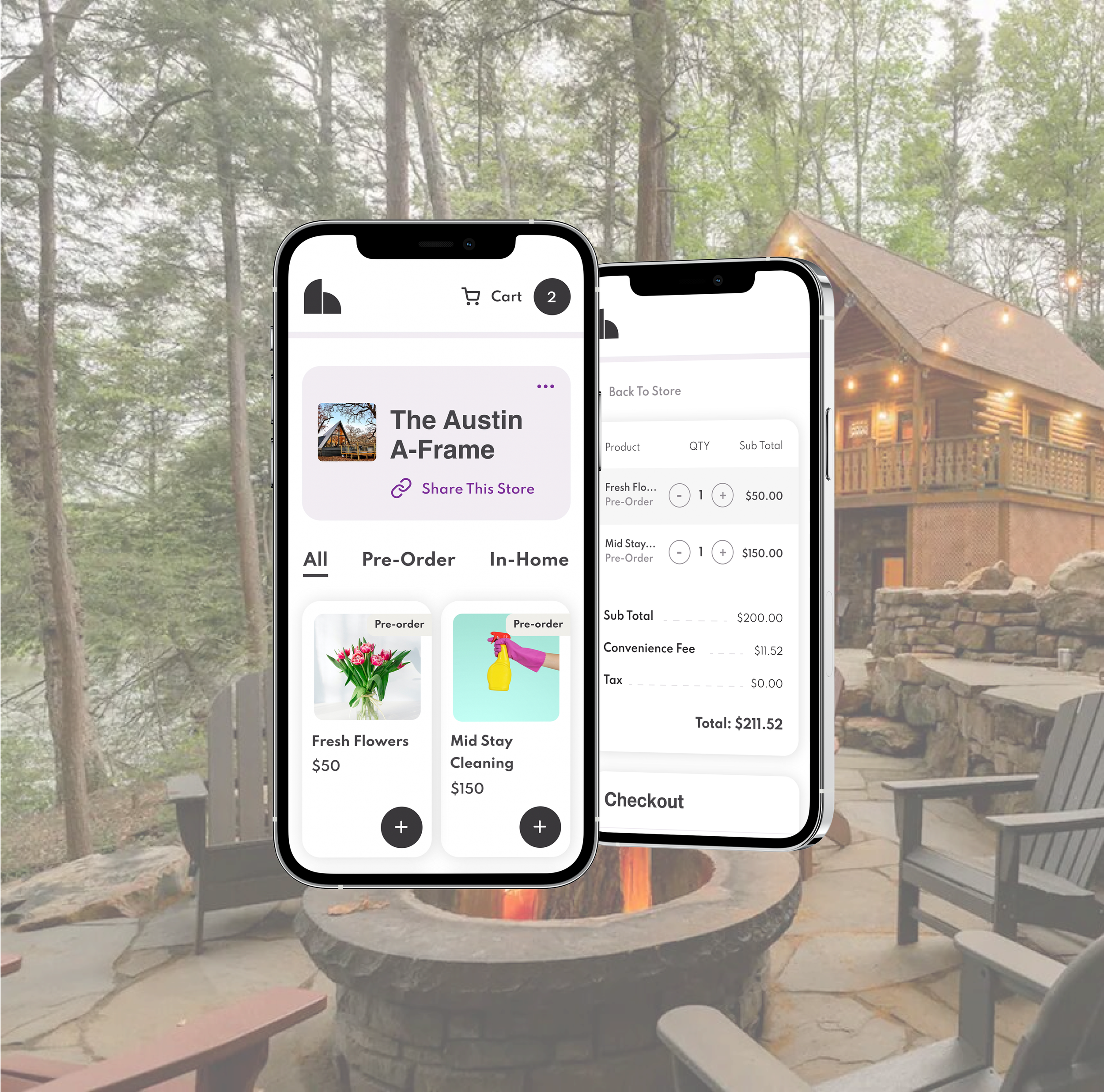
Offer five star amenities that make your vacation rental unforgettable.
Curated local services and experiences

From in-home massage to private chefs to fresh flower delivery, we’ve set it up for you.
Instantly capture revenue from fees - and automate your system while you’re at it.
Late check-out and early check-ins
Offer local souvenirs, firewood, or any amenity you’d like - from kayaks, boats, scooters and beyond.
In-home shopping and rentals
Four Steps to add us to your StayFi:
1. CLICK “WIFI EXPERIENCE”
Log-in to your StayFi account. From your dashboard, click “Wifi Experience” on the left-hand side.

2. FIND OR CREATE YOUR HOMEPAGE TEMPLATE, AND TOGGLE ON “THE HOST CO”
Either edit or set-up your homepage template. On the bottom of the “Build Your Homepage Template” screen, toggle next to “The Host Co” to automatically create Host Co stores for as many of your listings as you’d like.

3. CHOOSE WHICH LISTINGS YOU’D LIKE A STORE CREATED FOR
Choose which listings you’d like a free digital Host Co store created for. When you’re finished, click “Update” and your stores are set! They will appear on your StayFi Homepages under the “Shop Amenities” tile.

4. LOG-IN TO YOUR HOST CO ACCOUNT
You’ll soon receive an email from The Host Co notifying you of your account creation and giving you login info. Log-in to set up payouts straight to your bank account, edit products in your stores, and more. And get ready for thousands more of income per listing!
